
Fewer Calls, More Self-Service: Introducing Forms
Accessible ticket applications, medical fridge declarations, parking requests: the same questions land in your support inbox every event, by phone and email, and each one needs a person to answer it. For event teams already juggling a hundred things, that's a lot of time spent on calls and emails that could have been a form.
So we've built Forms into Platform. You can create, publish and manage forms in the same place as your guides and Help Centre, so fans can ask for what they need themselves, with no third-party tool needed.
Turn Support Requests Into Self-Service Forms
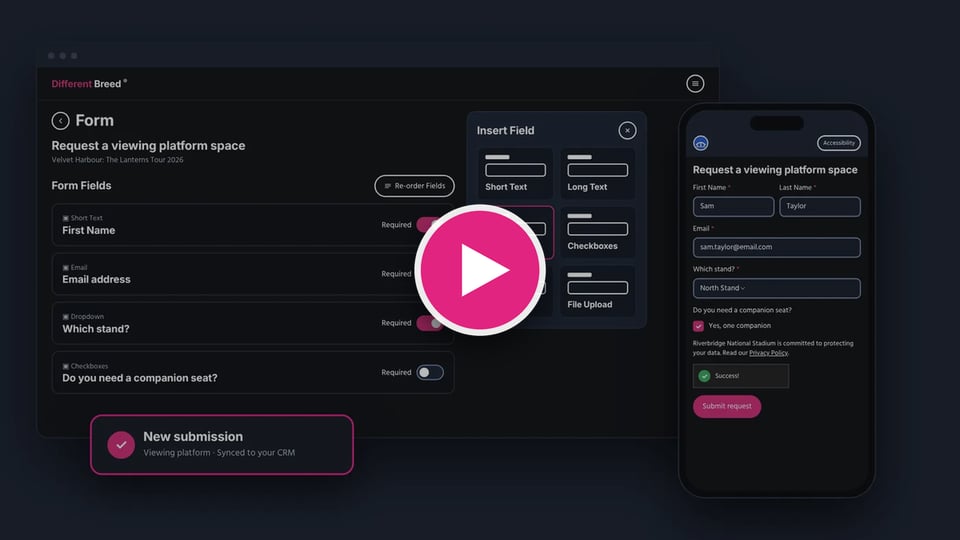
Forms works for registrations, applications, feedback and anything else where you need information from your audience, including the requests that fill your support queue most often. Start from scratch or pick a ready-made template, then shape it to fit.
Every form is built to WCAG, the Equality Act and the European Accessibility Act from the first field. Fans get step-by-step navigation, helpful checks on their answers and adjustable text size, just like your guides.
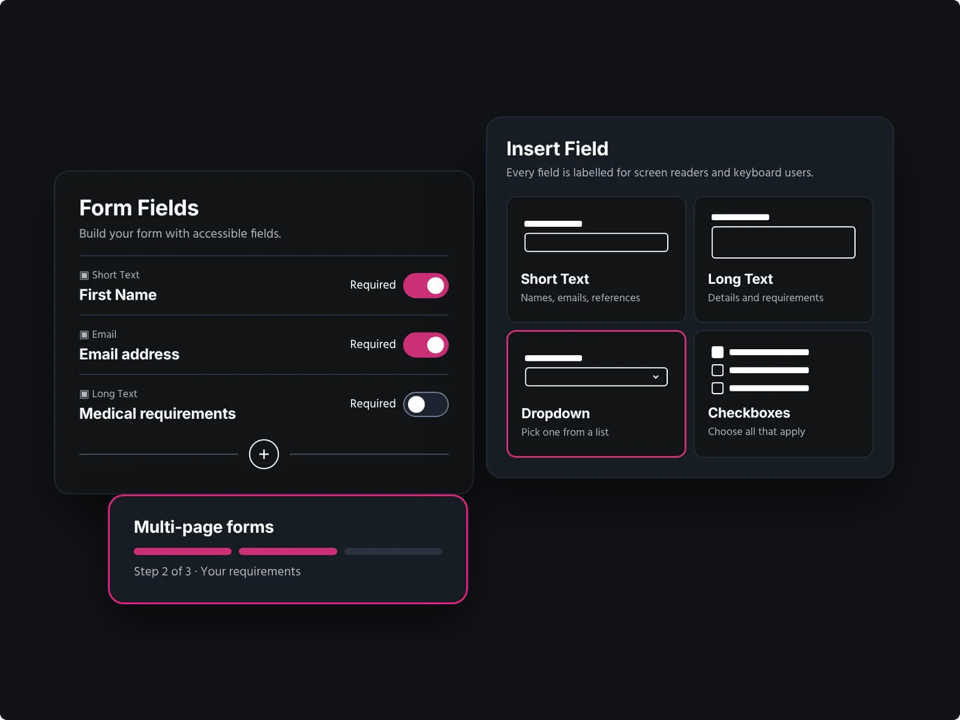
- Single Or Stepped: Run a form on one page or split it into steps, and move fields between them.
- Conditional Questions: Fields only appear when they're relevant, so a parking request skips the questions that don't apply.
- Banner And Thank-You: Each form has its own header banner and a thank-you message, so fans know their request has gone through.
- Clone And Archive: Reuse a form for the next event, or archive it when you're done.
- Language Choice: Build each form in any language turned on for your profile, and fans see it in that language.
Fans can make a request at any time of day, answer only what applies to them and do it in their own language, without waiting on hold.
Control Who Can Fill It In, And When
Some forms are for everyone. Others need more control, like a parking request for a limited number of spaces or an application with a deadline.
- Access Codes: Require a code before a form opens. Add or import codes, set how many times each can be used and see how many are left.
- Guess Protection: Anyone who keeps entering the wrong code is temporarily blocked from trying again.
- Automatic Opening And Closing: Set a date window, or close the form once it reaches a submission limit.
When a form isn't available, fans see a clear message explaining why, so they aren't left guessing or contacting you to ask.
Richer Answers, Simpler Submissions
Some requests need evidence or consent, and every request needs someone to keep on top of it. Forms helps with both.
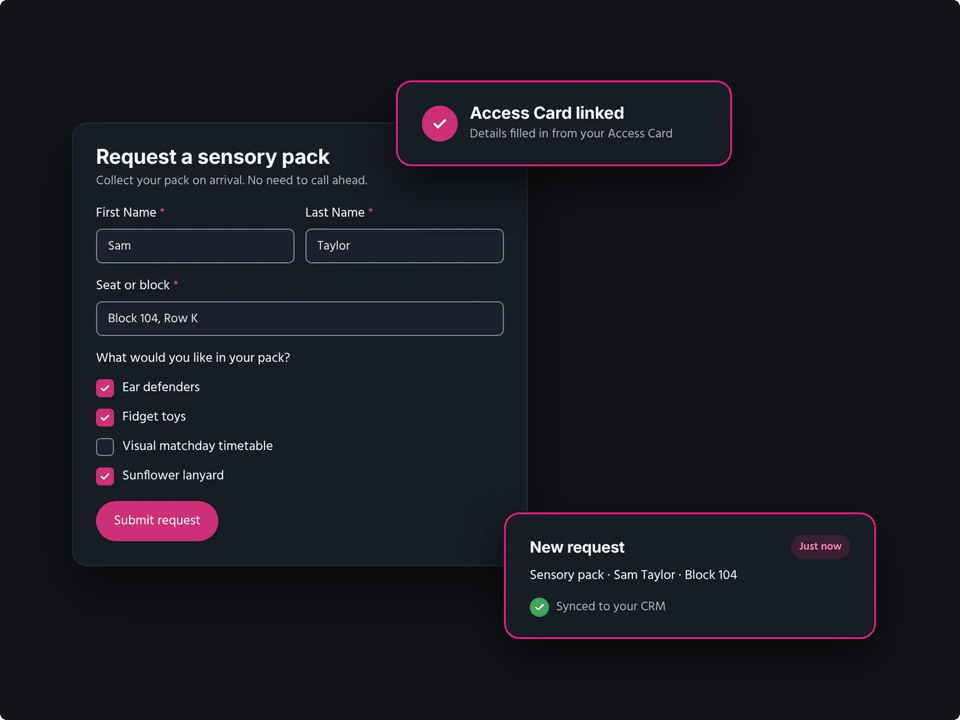
- File Uploads: Fans can attach supporting documents. Files are virus scanned, and any that aren't submitted are deleted automatically.
- Signatures: Ideal for declarations, saved with the submission and included in PDF exports.
- Access Card Checks: Fans can verify eligibility with their Access Card, just like in a guide.
- Submission Review: See every submission in Platform with its answers, files, signatures and Access Card results.
- Exports And Emails: Export as CSV, JSON or PDF, and get an email with the answers each time someone submits, with copies to other addresses if you need them.
- Orbital™ Analytics: Filter by form to see how many people started against finished, where they dropped off, failed submissions and failed access attempts, and your top-performing forms.
How To Get Started
- In Platform, go to Forms and select Create form.
- Start from a template or a blank form, then add your questions.
- Publish it. Each form gets its own web address, and you can also place it inside a guide or Help Centre article, previewing it as you edit.
Ready To Try Forms?
We'll help you set up your first form, from choosing the right template to publishing it in your guides. Reach out and book your onboarding session.
